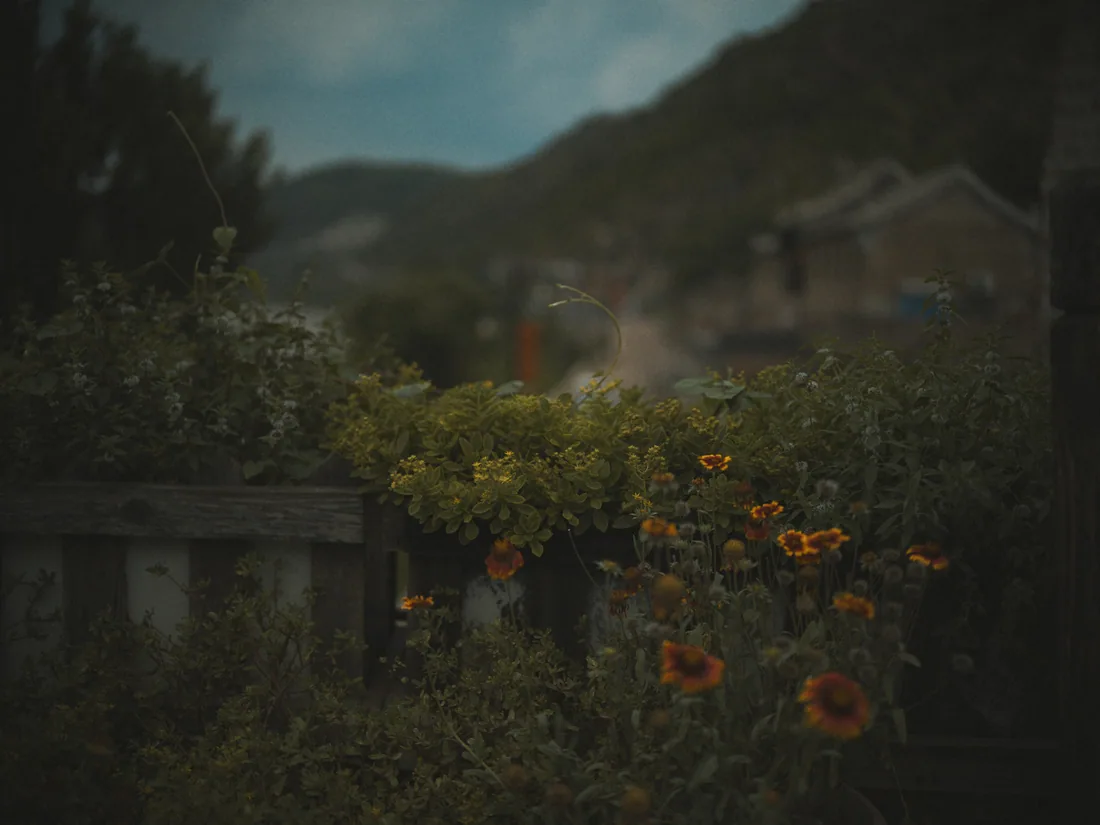
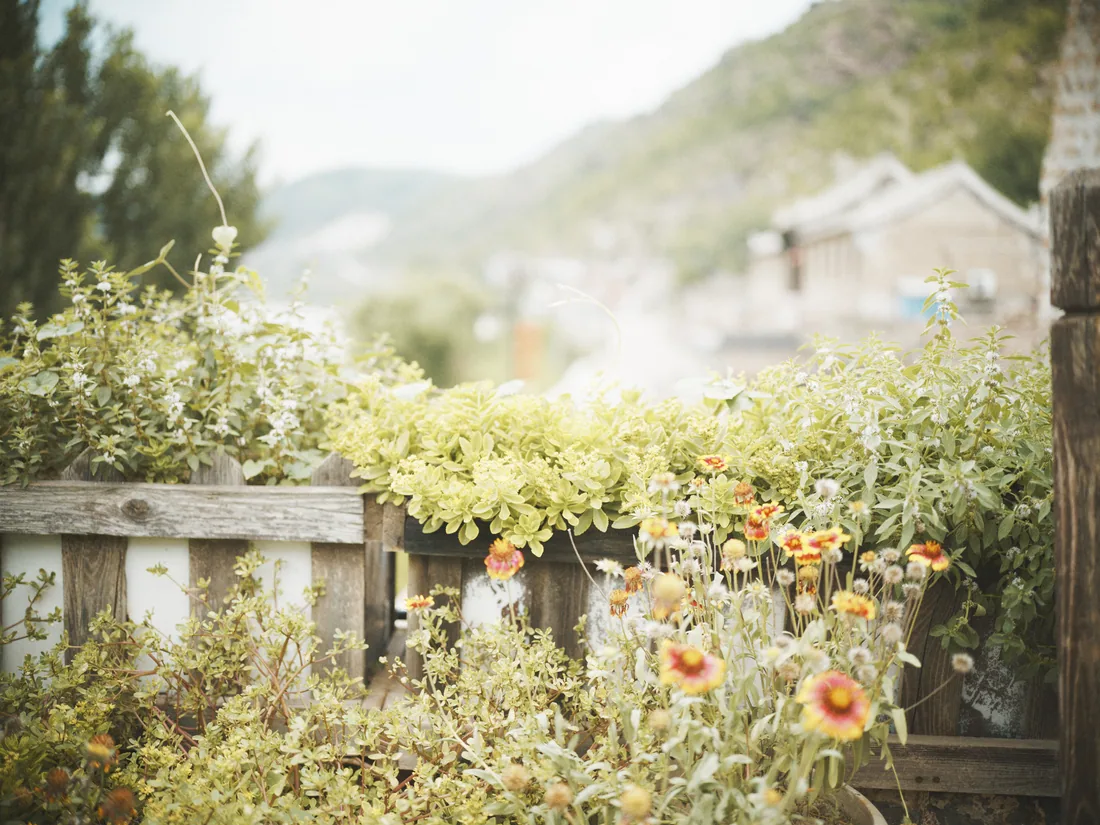
Nothing rescues a bad exposure
No auto exposure, no correction that reads the image, and no highlight, shadow or HSL sliders.
Two stops under looks like two stops under on film.
 Alvix
Alvix is a darkroom for the Mac: your RAW file is the negative, and what comes out is a print, not a filtered photo.
Try the film stocksComing soon to the Mac App Store. For macOS 26 on Apple silicon.
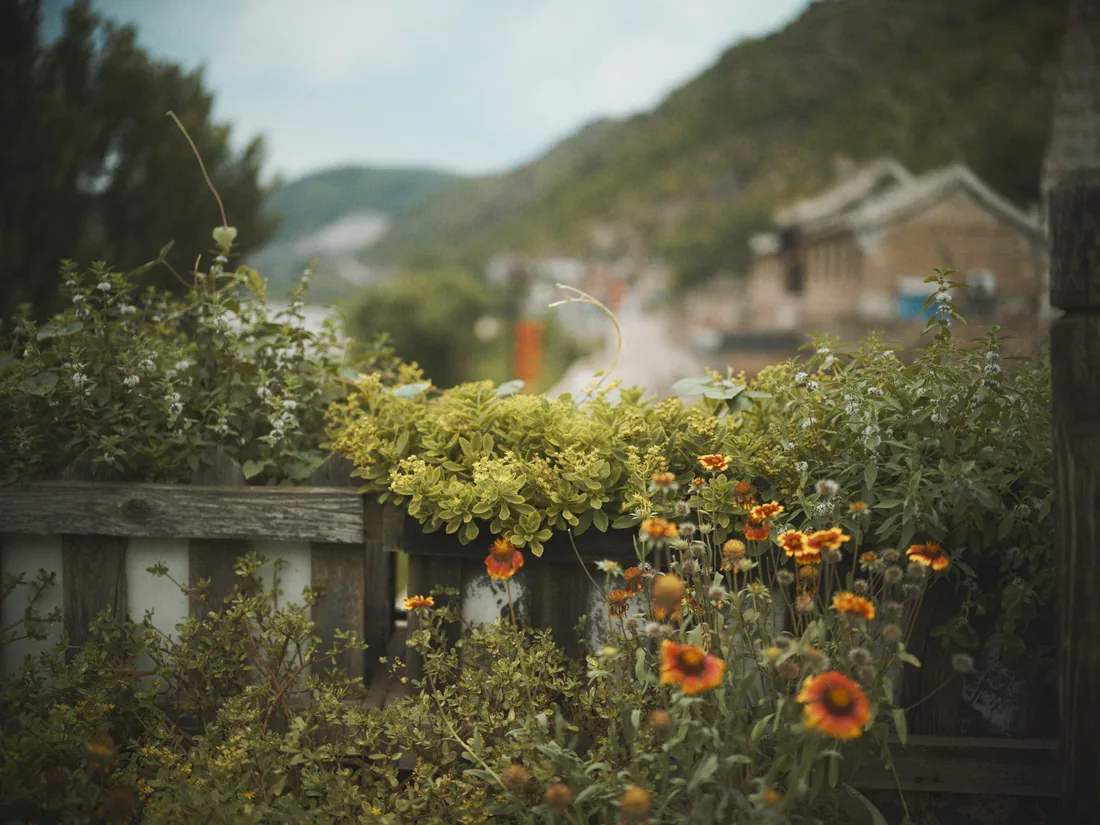
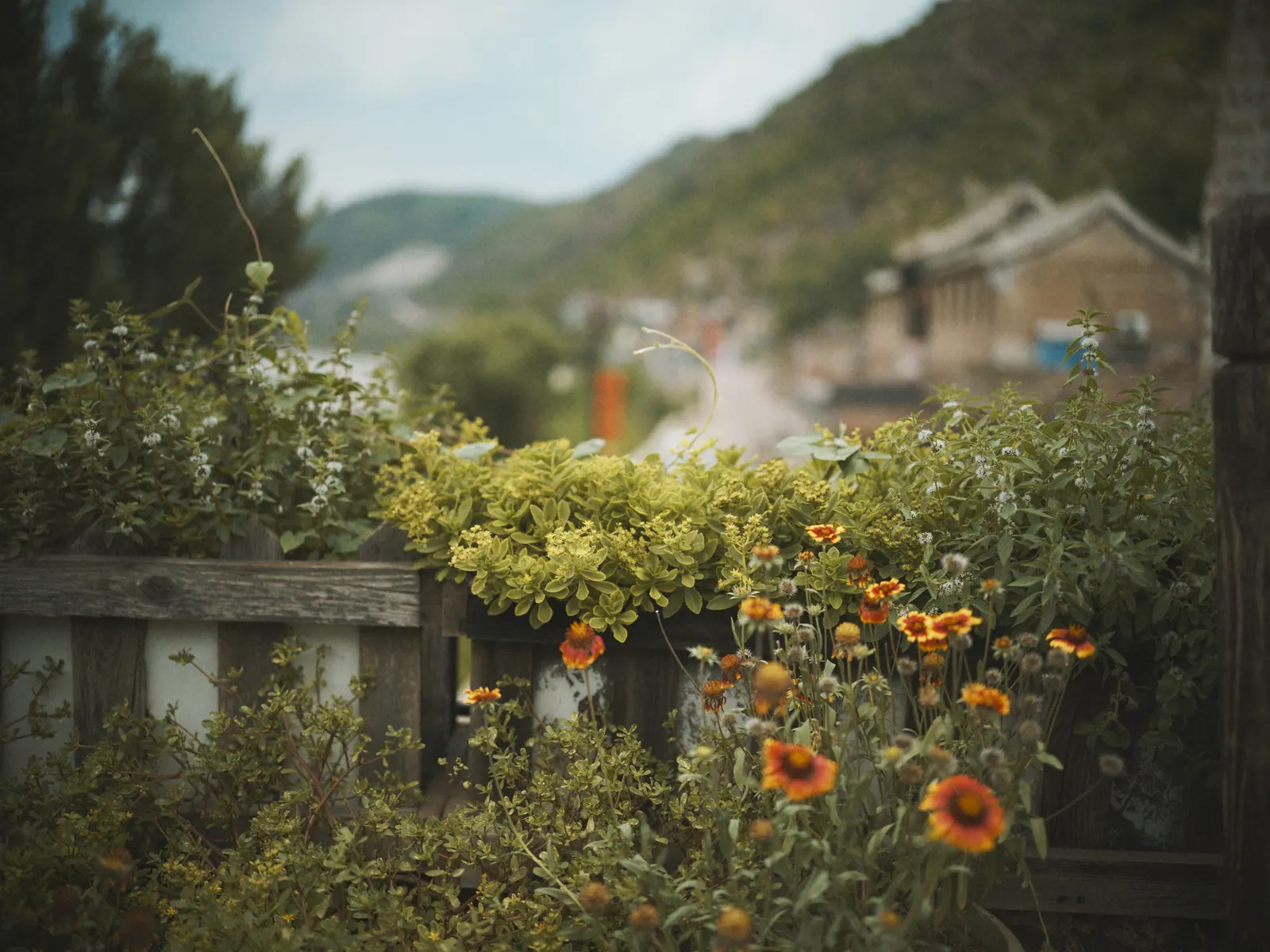
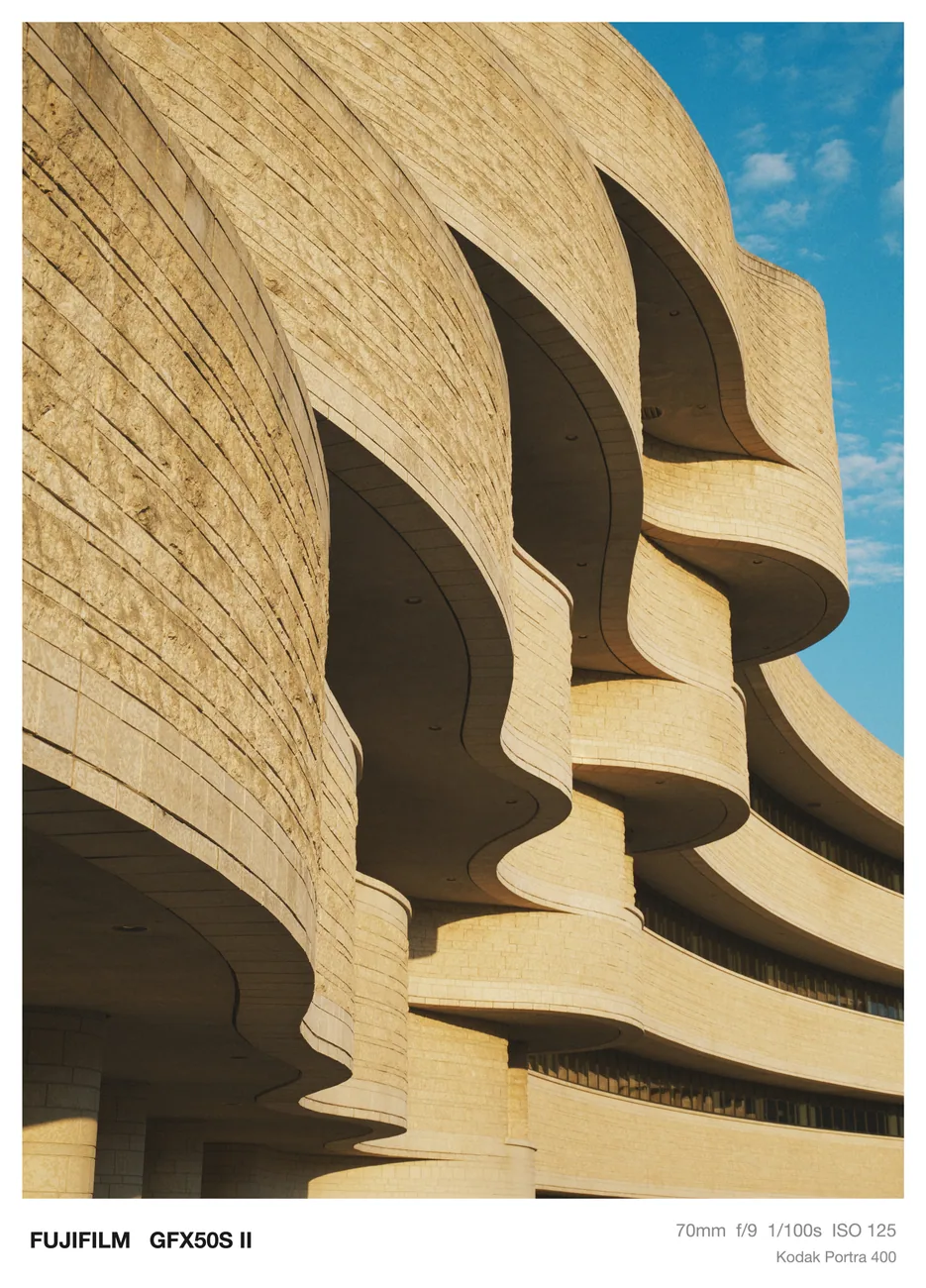
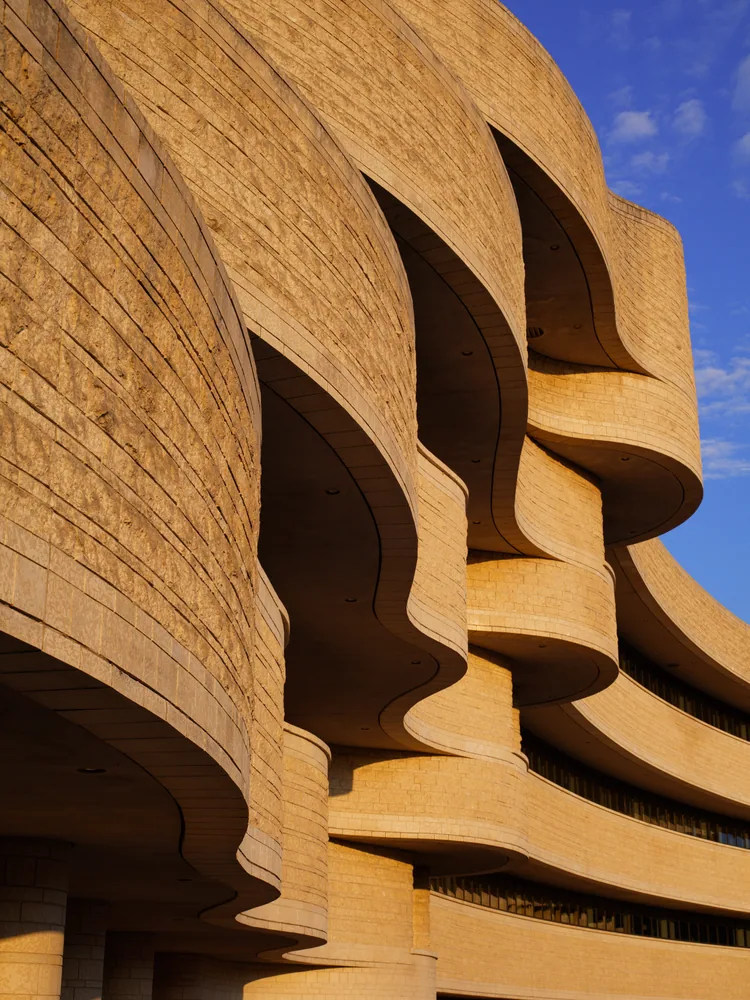
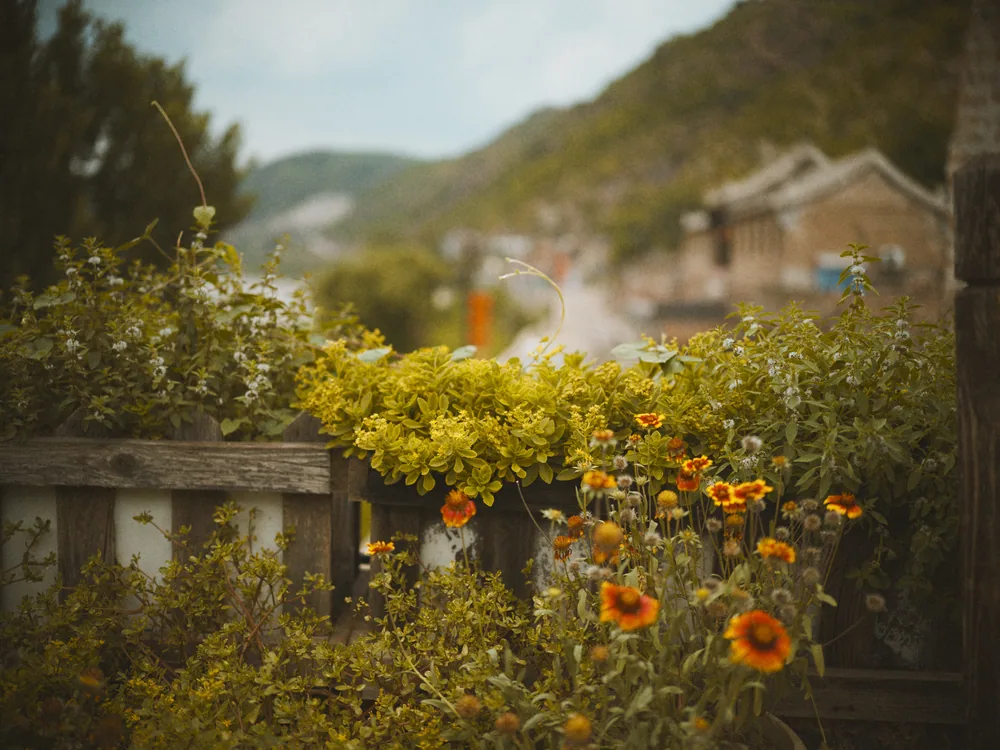
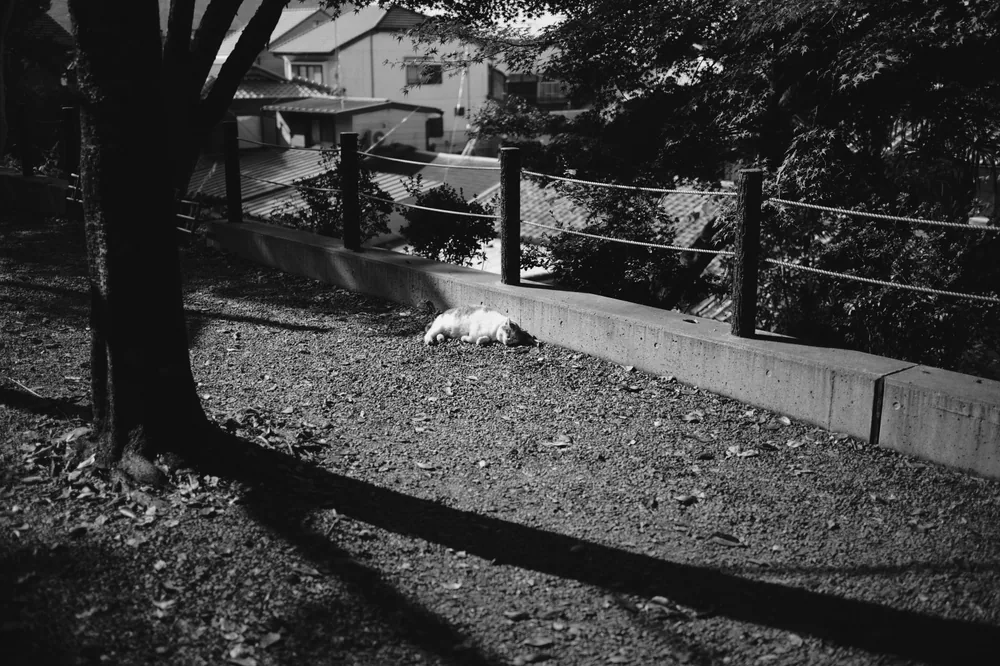
Pick one and the print changes with it. Every frame on this page is a RAW file developed in Alvix, with nothing edited afterward.
Choose a stock and it stays with the roll, as it would in a camera. To change your mind, develop the frame onto another roll.
The film’s curve is fixed at the factory. Exposure compensation slides your scene along it, so a bad exposure stays a bad exposure.
Density follows each stock’s own datasheet. Push black-and-white film and you get what a lab would give you: more contrast, more fog, coarser grain.
Black-and-white goes onto paper, grade 0 to 5, cool to warm. Color goes through a print balance and a calibration against real lab scans.
JPEG, TIFF or linear DNG, at 30 to 100 percent, with an optional paper border that is set in type and carries no logos.
Portra 400 curve. The curve stays; only your exposure moves.
Before adding any control, Alvix asks one question: is there a step in the film process that does this? If there isn’t, the control doesn’t exist.
No auto exposure, no correction that reads the image, and no highlight, shadow or HSL sliders.
Two stops under looks like two stops under on film.
Each one is modeled from its own datasheet, not a shared base with a tint on top.
The final look is then calibrated against real lab scans.
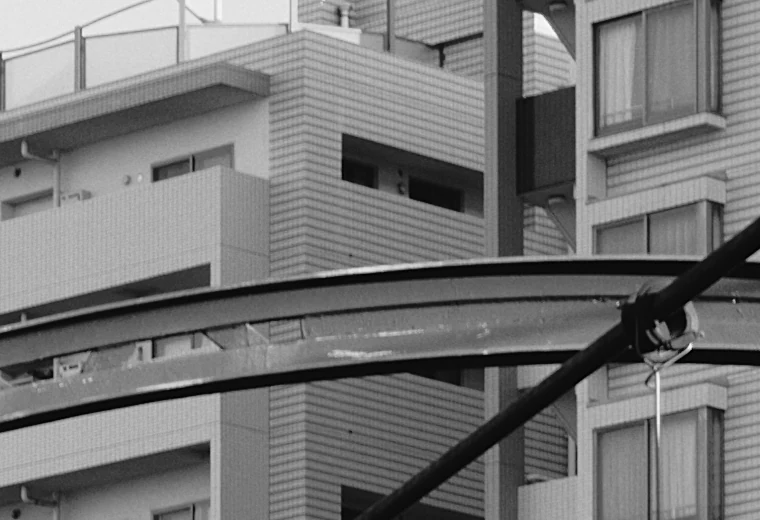
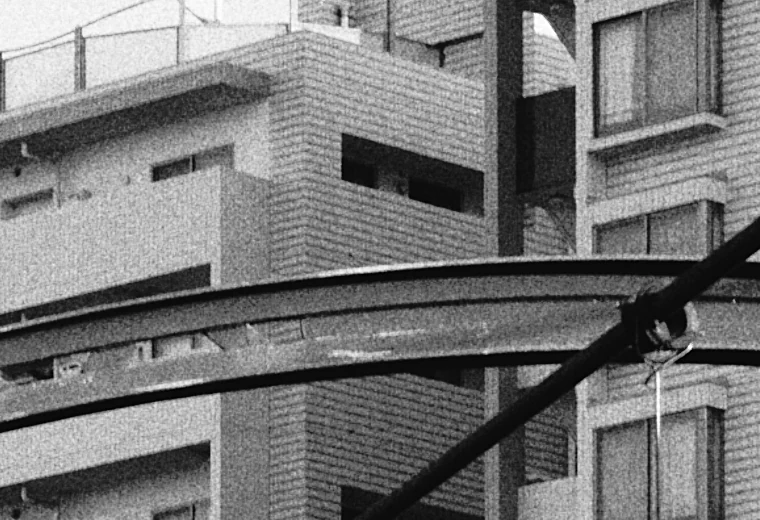
On black-and-white, grain goes into the negative’s density before the print, so it follows the tones.
Two crops of the same photo at 100 percent.
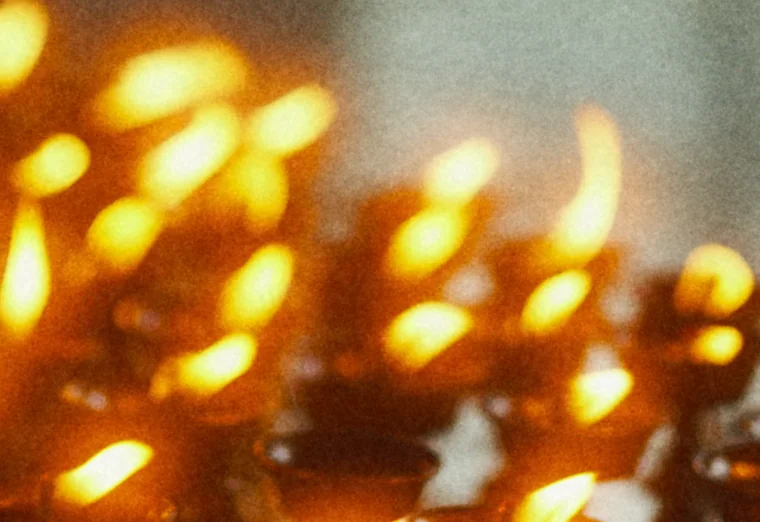
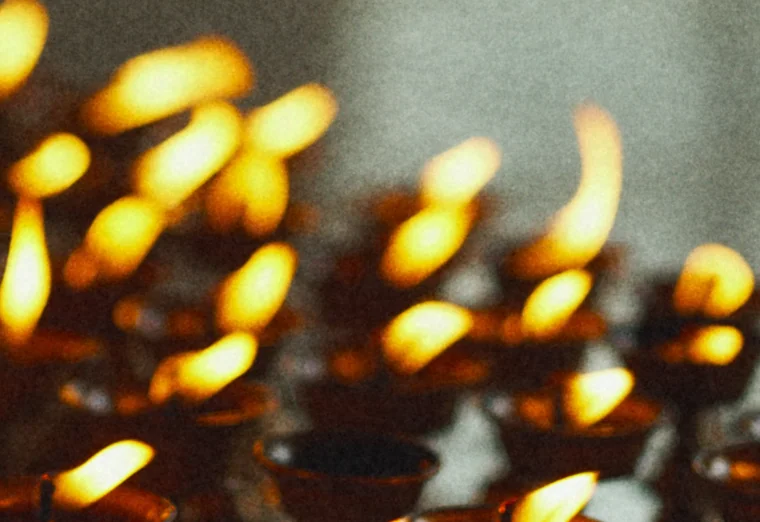
Bright light scatters through the film base and comes back as a colored glow.
Alvix starts it above a set brightness, so it only touches what is bright enough.
Simple mode is a stock, exposure, grain and halation, and push or pull on black-and-white.
Expert mode lets you inspect and adjust the values of all 84 engine parameters in the same recipe.
| Camera | Size | Develop | JPEG |
|---|---|---|---|
| Nikon Z f | 24 MP | 0.38 s | 0.9 s |
| Fujifilm GFX 50S II | 51 MP | 0.37 s | 2.0 s |
| Hasselblad CFV II 50C | 51 MP | 0.37 s | 1.9 s |
Fastest of three runs on an M4 Pro, on Portra 400.
Previews run live on the GPU in 32-bit float, so moving a slider re-develops the photo as you drag.
A full-size develop takes under half a second, from RAW file to finished pixels.
| Rolls, frames, recipes | iCloud |
| Small previews | iCloud |
| RAW files | This Mac |
Alvix only ever reads the original. Development settings are saved in the library, so every develop is non-destructive.
Processing happens on your Mac. iCloud carries your settings and small previews, never the RAW files.
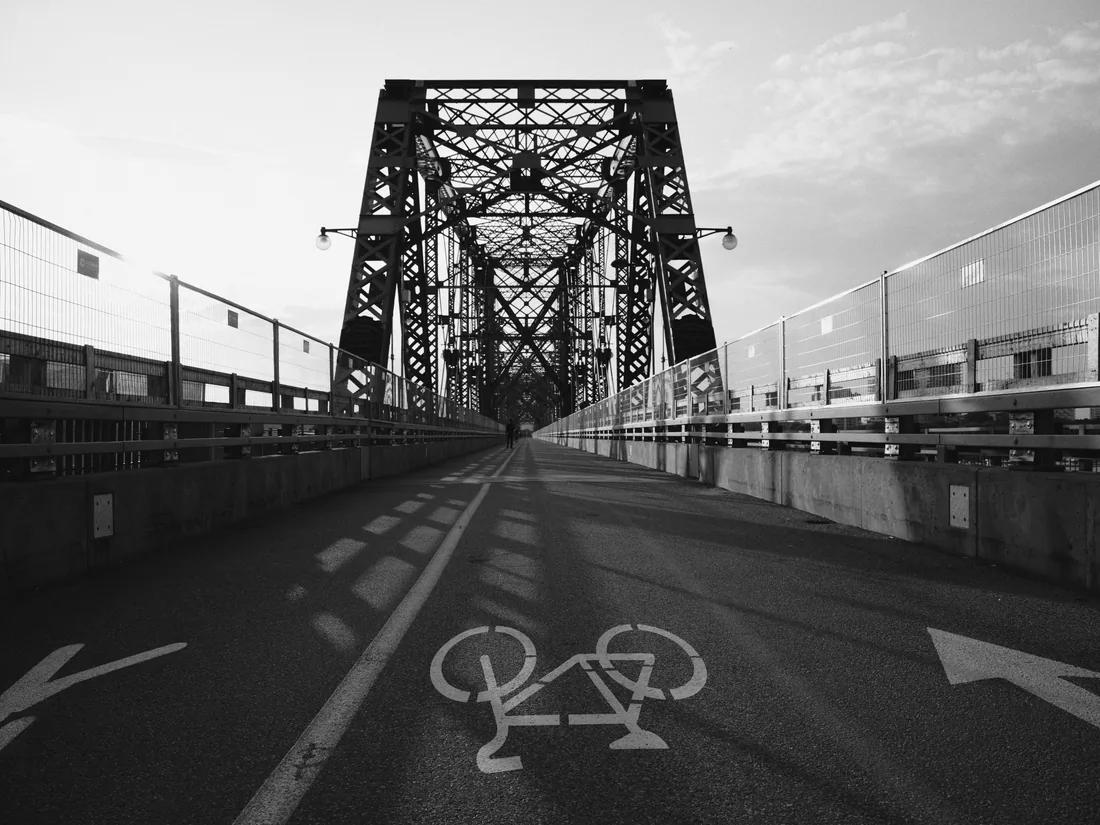
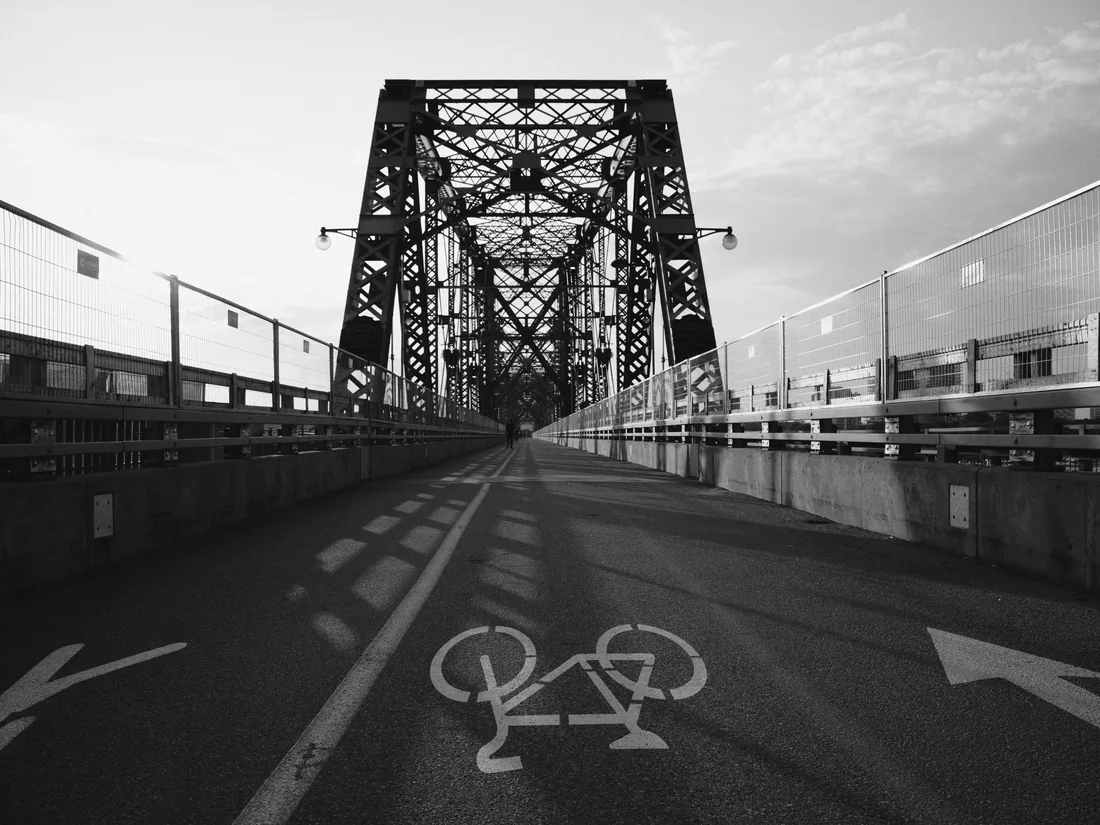
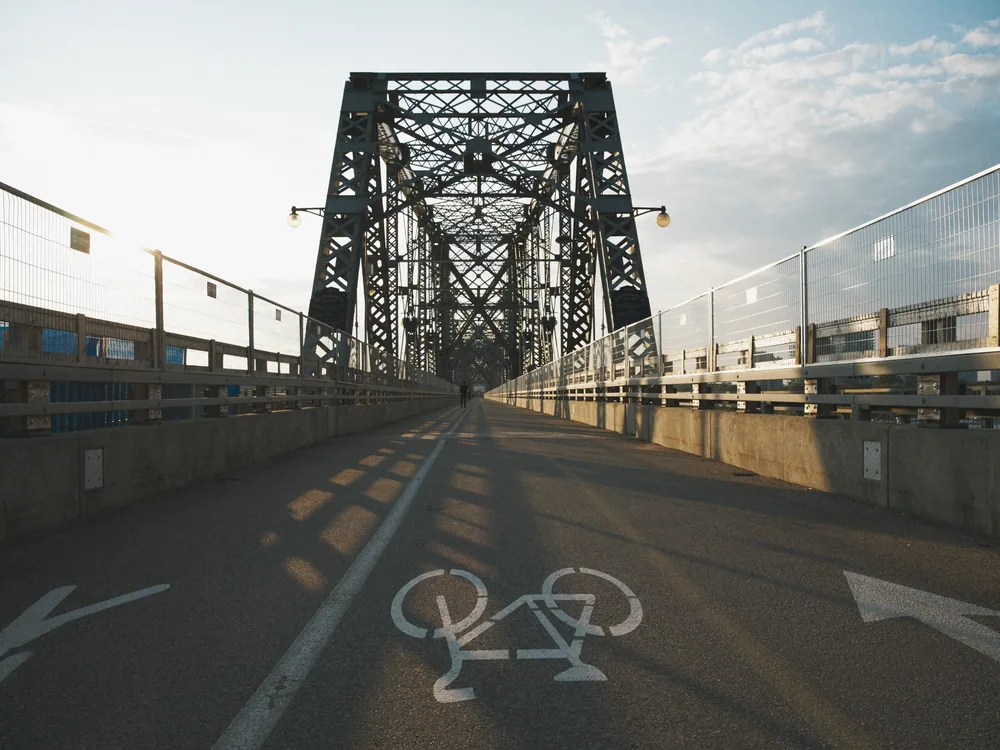
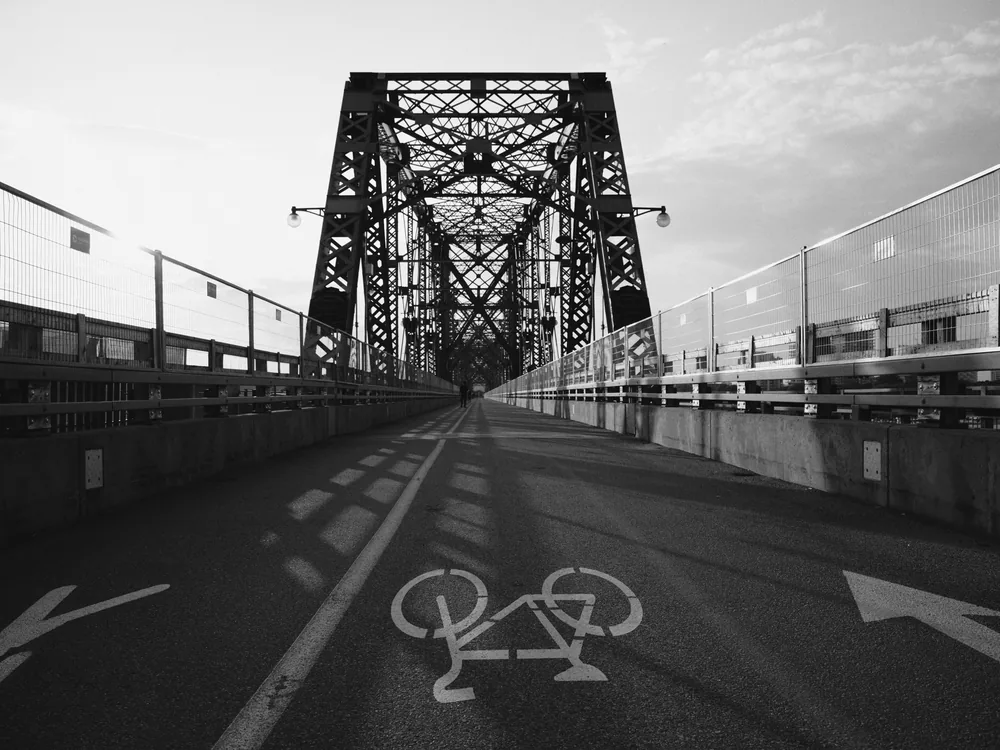
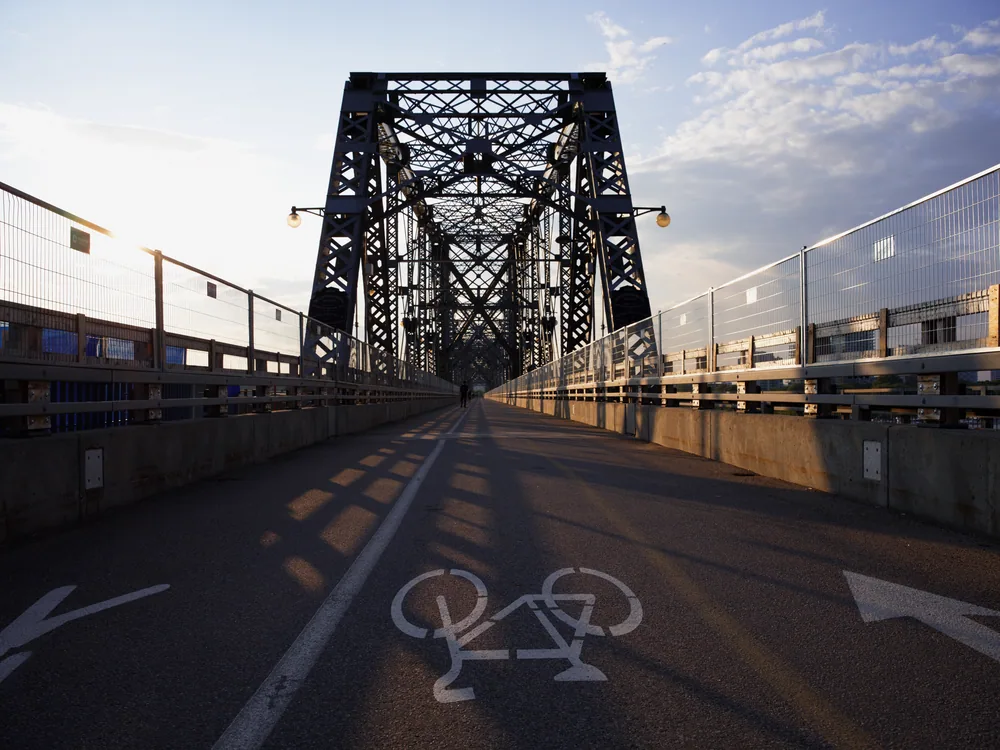
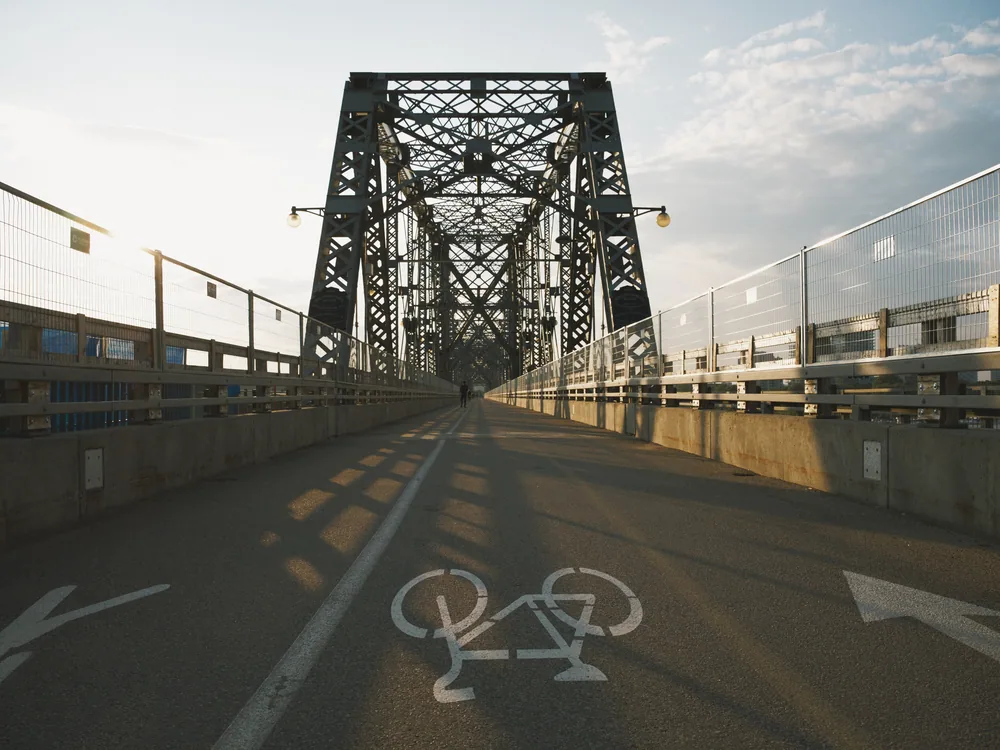
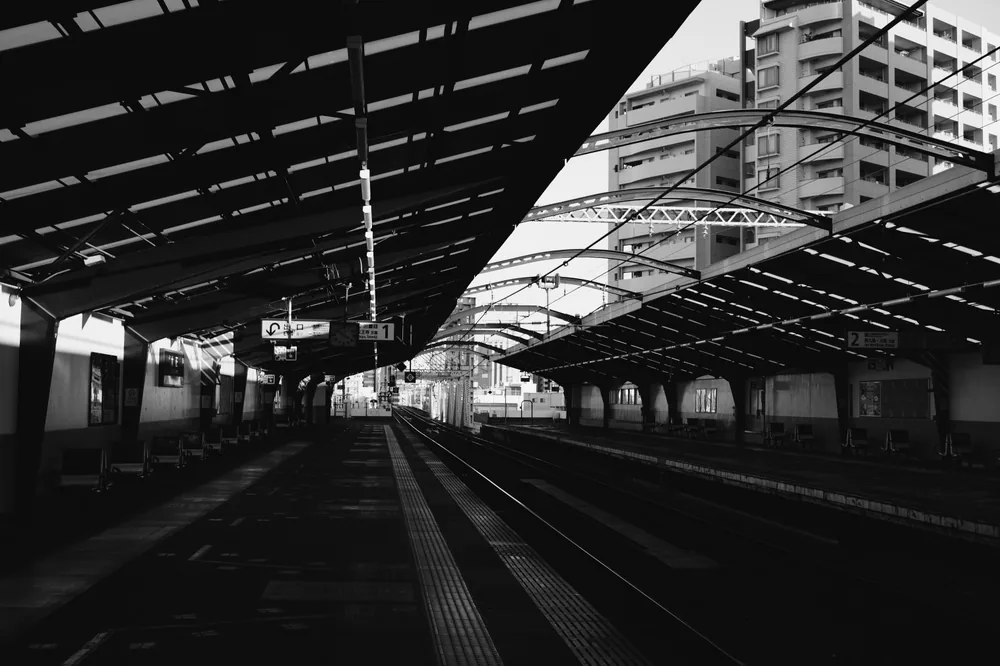
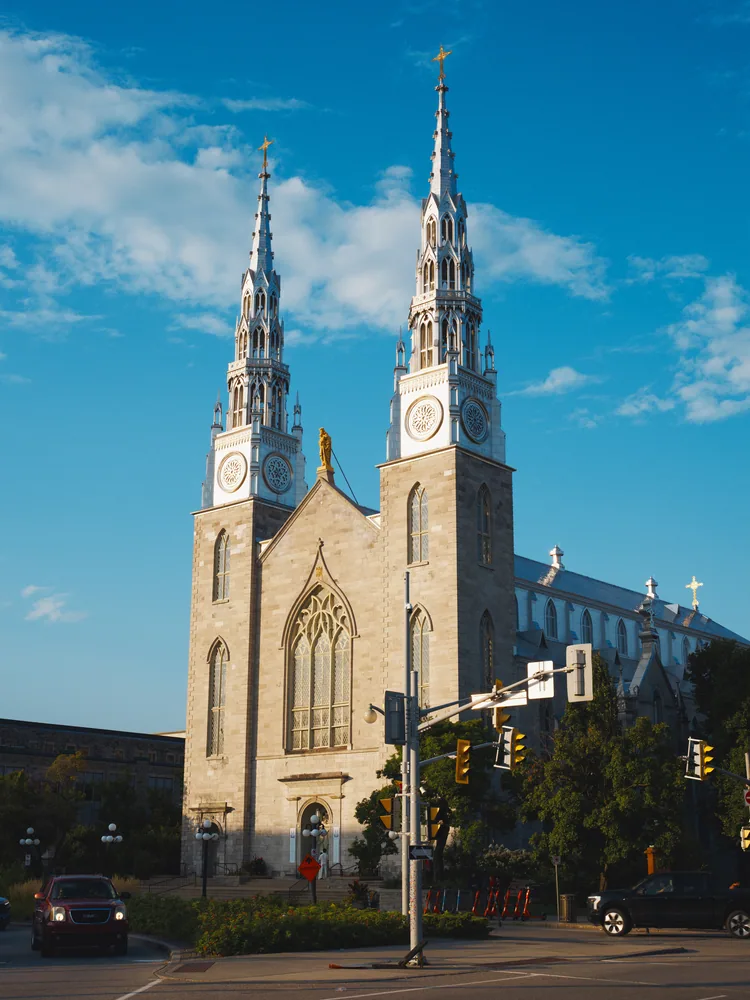
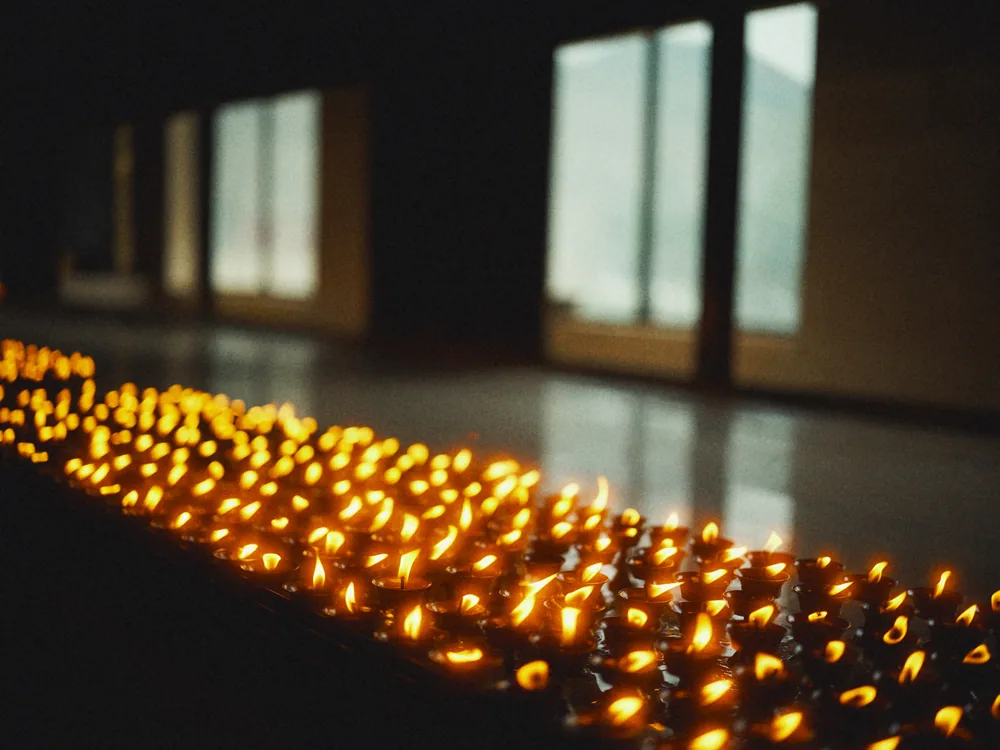
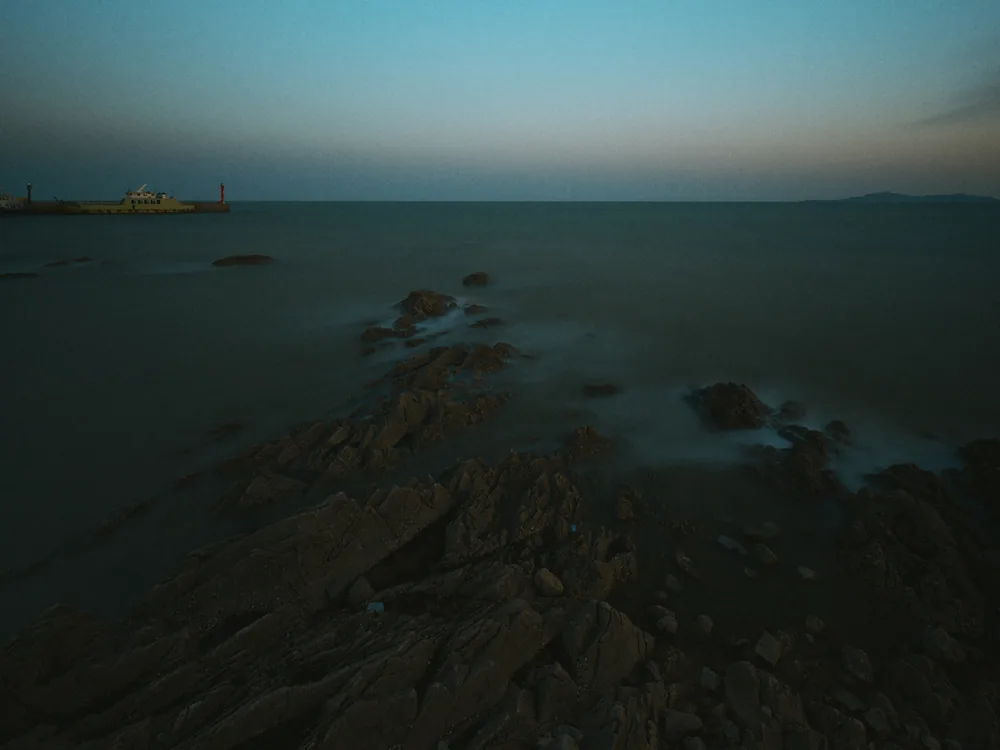
The library works like a shelf of film. The same bridge below went onto three rolls, and each one is its own version.
| Format | Details |
|---|---|
| JPEG | 4:4:4, slimmed by Jpix. A 40 MP frame goes from 43 MB to 5.6 MB in about a second. |
| TIFF | 8 or 16 bit. |
| Linear DNG | For handing the frame on to another tool. |
All output is sRGB, at 30, 50, 80 or 100 percent. EXIF is copied, with GPS and serial numbers left out by default. Exported from Alvix as shown. Type only, no logos.
Is this a preset pack? No. A preset adjusts a finished image. Alvix starts from the sensor data and runs it through a model of the film and the print.
Which cameras work? Most RAW formats work, including DNG, NEF, CR2/CR3, ARW, RAF, ORF and RW2. Alvix reads them with LibRaw and falls back to the macOS decoder for Nikon HE files. JPEG XL ProRAW from recent iPhones is not supported yet.
What do I need? A Mac with Apple silicon, running macOS 26 or later.
Does it change my files? Never. The original is only read, and your settings are saved in the library.
I don’t have a RAW file handy. Alvix can download sample packs from a Hasselblad CFV II 50C, a Fujifilm GFX 50S II and a Nikon Z f. Most photos on this page come from those packs.
Does it simulate developer chemistry? Not yet. Version 1.0 is a sensitometric model built from datasheets, with print balancing and calibration against lab scans. Developer, time and temperature are planned for later.
What syncs through iCloud? Rolls, frames, recipes and small previews. Full-size RAW files stay where you keep them.
Can I export a whole roll at once? Not in 1.0. Batch export is planned for a later update. Contact sheets for a roll are included.
Is it on iPhone or iPad? Alvix starts on the Mac. A companion for applying your recipes on iPhone and iPad is in the works.
Which languages does it speak? English, Chinese, Japanese, French and Spanish.
How much does it cost? Pricing will be announced with the App Store release.
Are you affiliated with Kodak, Ilford or Fujifilm? No. Stock names only describe what is being modeled, and Alvix contains no manufacturer logos.
Alvix is coming to the Mac App Store. Download sample RAW files in the app and develop your first roll.